
Insight
Knowing where you stand, not guessing.
Every report comes from the same ledger, so what you see on the balance sheet is the same figure as on your invoice. You pick a period, click through to the entries underneath, and know at once where an amount came from.
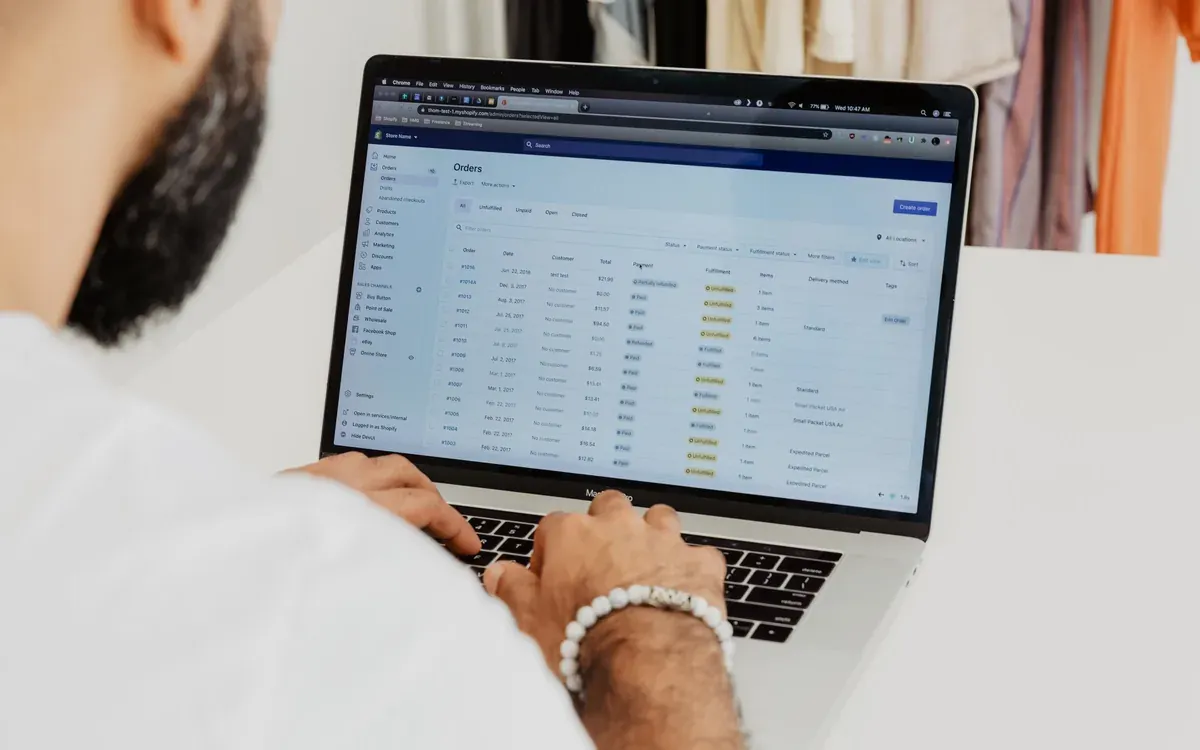
The figures an accountant asks for.
Balance sheet and profit and loss per period, with a comparison column and the option to open lines down to the entry. The audit file in XAF you pull in one action, so your accountant does not have to ask for an export.
- Balance sheet and profit and loss
- Comparison with the previous period or year
- Trial balance
- Audit file in XAF
| Profit and loss | This year |
|---|---|
| Revenue | €214,860.00 |
| Cost of sales | €61,240.00 |
| Staff costs | €78,900.00 |
| Other operating costs | €24,115.00 |
| Result | €50,605.00 |
Who still has to pay.
The receivables overview shows what is outstanding and for how long. The ageing analysis puts that into thirty-day buckets, so you see which customer needs attention before it really becomes awkward. On the other side sits the same overview for your suppliers.
- Outstanding items per customer
- Ageing analysis in thirty-day buckets
- Payables with due dates
- Reminders straight from the overview

Where your money comes from.
Revenue per customer, per project and per category, over the period you choose. On projects you see the costs and the hours written next to it, so you know not only what a job brought in but what it cost.
- Revenue per customer, project and category
- Margin per project
- Trend across several periods
- Export to CSV for your own analysis
Frequently asked questions
Do the reports agree with my invoices?
Yes, because they come from the same ledger. There is no separate reporting model that lags behind or calculates differently; from every total you click through to the entries that make it up.
Can I export reports?
Every report goes to CSV, and the full administration to JSON and XAF. That stays true after you cancel.
Can I see several administrations together?
You open reports per administration, because a balance sheet spanning two legal entities has no meaning. In your overview they do sit side by side so you can switch quickly.
How far back does the history go?
To the first entry in your administration, including whatever you brought along in an import. Closed periods stay viewable.
Read on
Figures you dare to decide on.
Because you can see in two clicks where every number came from.
- Free
- 1 user, 2 finalized invoices per month
- Paid
- from €4.99 per month per administration
- Your accountant
- free, and never counts towards your limit
- Cancelling
- monthly, and your export stays available
Every feature is in every paid plan. All you choose is how many people need access.