
Banking
Your bank statement becomes your books.
Read your transactions in through a file or a direct connection. Payments end up on the invoice they belong to, and what is left you post with a rule you only have to write once.
In through whatever your bank offers.
Almost every bank produces CAMT.053 or MT940, and otherwise a CSV you can map yourself. With bunq and Mercury you can set up a direct read-only connection so what happened arrives daily. Whatever the source, the transaction looks the same in Readybooks.
- CAMT.053 and MT940
- CSV with columns you map yourself
- Direct connection to bunq and Mercury
- Revolut Business, Starling and Monzo
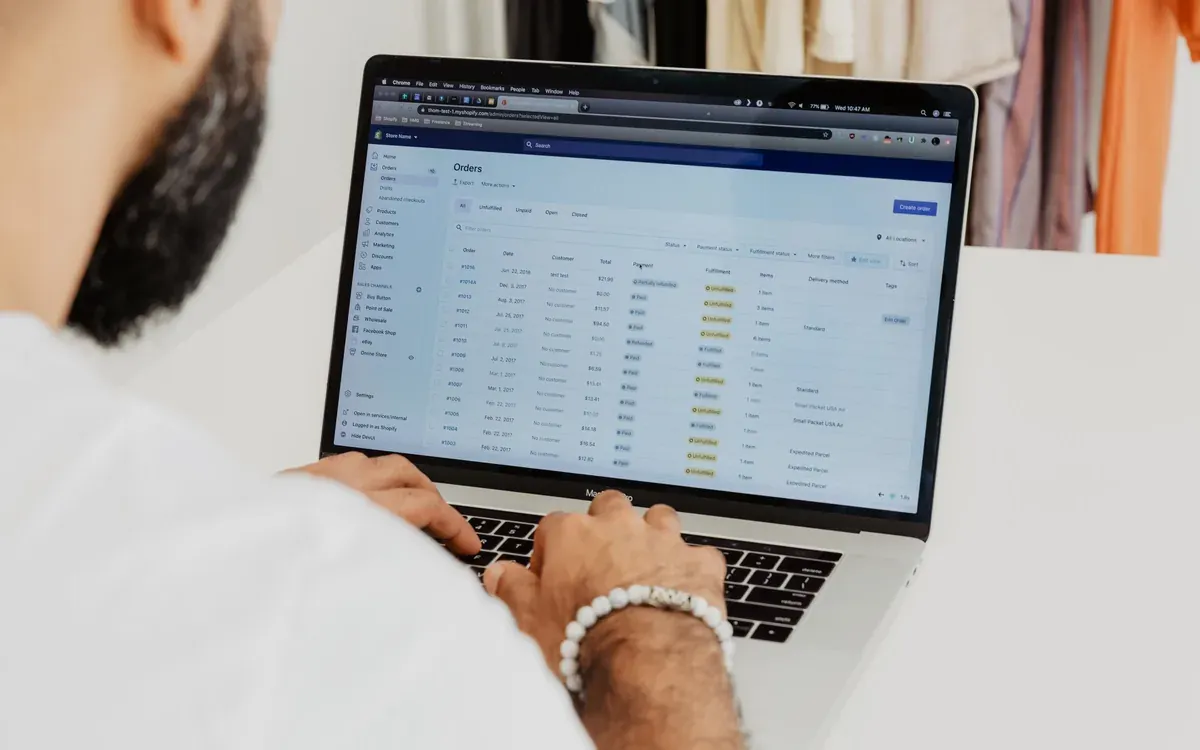
Payments land on their invoice.
For every transaction Readybooks looks for the document it belongs to: by payment reference, by amount, by customer. What it is sure of it matches; what is doubtful it puts to you with the possible candidates alongside. Partial payments, overpayments and foreign currency all come along.
- Recognition by reference, amount and counterparty
- Suggestions with candidates instead of a guess
- Partial payments and overpaid amounts
- Exchange differences posted automatically
What comes back every month, you post once.
Your rent, your phone contract, the bank charges: for those you write a posting rule on the description or the counter-account. From then on that transaction is booked to the right category straight away and you never have to look at it again.
- Rules on description, amount or counter-account
- Rules per administration
- Private use split off separately
- Everything stays auditable and reversible
Why we do not ask for payment rights.
An accounting package only needs to know what happened; it does not need to be able to do anything with your money. That is why every bank connection in Readybooks is read-only. You grant that access at your bank and revoke it there, without involving us.
- Never payment rights on your account
- Access granted and revoked at your bank
- Each connection separate, per administration
- Importing never quietly grants more rights

Frequently asked questions
Which banks can I connect directly?
bunq and Mercury are the first direct connections, followed by Revolut Business, Starling and Monzo. If your bank is not among them you import CAMT.053, MT940 or your own CSV, which produces exactly the same transactions.
Can Readybooks take money from my account?
No. Every connection is read-only and we do not request payment rights. For outgoing payments Readybooks produces a SEPA file that you upload at your bank yourself.
What happens if I import a statement twice?
Transactions are recognised by their unique reference, so a file you import twice does not produce duplicate lines. Afterwards you see what was new and what was already known.
Does this work with a foreign account?
Yes. An account in a currency other than your base currency is converted at the rate on the transaction date, and the exchange difference is posted separately.
Read on
Your bank has nothing left to ask you.
Transactions arrive, payments find their invoice, and what comes back you post with a rule you write once.
- Free
- 1 user, 2 finalized invoices per month
- Paid
- from €4.99 per month per administration
- Your accountant
- free, and never counts towards your limit
- Cancelling
- monthly, and your export stays available
Every feature is in every paid plan. All you choose is how many people need access.